
A client looking up planning permission may need to know which documents to submit, how long review might take and when construction could start. Put all of that in one paragraph, alongside possible design revisions, and the next action becomes hard to find. Separate the stages instead. Readability does not make a technical subject simple; it makes the structure of the decision clear.
Architecture and property posts serve readers with different concerns. A homeowner may want the sequence of decisions, a developer the cost implications, and a facilities manager an operational constraint. Good structure helps each find the relevant detail without losing the qualifications that matter.
Give each section one job
Check the order of the ideas before adjusting fonts or trimming sentences. A post about renovating an occupied building might cover the initial survey, design options, approvals, temporary access, construction phases and handover—in that order. Bury approval requirements in a paragraph about site logistics, and the reader has to reconstruct the sequence.
Outline the piece as a set of reader questions, then make each section answer one. For façade replacement, those questions might be: What must the survey establish? Which performance requirements affect the specification? How might installation disrupt occupants? A section can be short, but it should answer its question before moving on.
Make headings useful when scanned. “What the condition survey needs to check” says more than “Key considerations.” The heading must also match what follows: a section called “Costs” should not stop at the initial quotation if maintenance and temporary works could materially affect the budget.
Put the useful answer near the start
If a reader needs to know whether an existing floor plan is required for an extension study, don't make them read several paragraphs of background first. Start with the practical answer: “An accurate measured survey is usually needed before the design team can assess whether the proposed layout fits.” Then explain what the survey records and why an old marketing plan may not be reliable enough.
Where the answer depends on local rules or site conditions, state the general principle and then say what needs checking. An illustrative approval sequence should not read like a universal legal requirement.
Make paragraphs easy to follow
Give each paragraph a clear subject. It can state a point, explain why it matters and offer an example; it need not be a single sentence. Start a new paragraph when you shift from survey findings to a design choice, or from an estimated cost to the uncertainty behind it.
Take daylight in a compact home. One paragraph could explain how window position affects usable light, using a deep room as an example. Privacy, overheating and permission to alter the façade deserve their own space unless they are central to that point. Otherwise, a significant constraint can disappear inside a dense block.
Don't split every sentence onto a new line, either. A technical explanation becomes harder to follow when readers have to piece its logic back together. Keep related ideas together and make the link to the next paragraph clear.
Use lists when the items really are items
A list works well for requirements a reader may want to check off. Before a design meeting, for example, a client could gather:
- Existing drawings, with their dates and any known changes.
- Survey information, including site levels where relevant.
- Planning or permit records already held for the property.
- A brief describing intended uses, capacity and priorities.
Explain any qualification that could change the work. Existing drawings can help the team get oriented, but they are not automatically an accurate record of what was built. Use numbered steps when order matters, such as surveying before establishing a reliable design baseline. Bullets suit items that can be checked in any order; neither format should replace an explanation of how the items relate.
Choose precise words over compressed jargon
Technical terms are sometimes the most accurate choice. Give readers enough context to see why a term matters. “Thermal bridging,” for example, describes a path through which heat can pass more readily at a junction between building elements, potentially affecting energy performance and surface temperatures.
Define a term where the reader first needs it. If a post gives a building's net usable area, explain what the measurement includes or excludes. Area definitions vary by standard and jurisdiction; a bare figure can suggest more certainty than it deserves.
Replace claims that cannot be checked with the basis for making them. “A sustainable material” says little on its own. “A material selected for its documented recycled content and suitability for repair” is more specific, though other impacts may still need discussion. Treat “low maintenance,” “accessible” and “cost-effective” the same way: identify the task, user or cost period you mean.
Shorten sentences without removing conditions
When a sentence covers several decisions, separate their roles. The survey establishes existing conditions. An engineer assesses the proposed structural alteration. The project team checks which approvals apply. Readers can then see which finding supports which decision.
Keep the limits that affect the answer. “The wall can be removed” is brief but may mislead. “The wall may be removable, subject to a structural assessment and any required approvals” distinguishes a possibility from a confirmed fact.
Show how figures relate to decisions
Give numbers a unit, a basis and enough context for comparison. A cost per square metre is hard to use unless readers know whether it covers construction alone or also includes design fees, taxes, contingency and work outside the building. Label an illustrative figure as such; don't present it as a current quote.
A small table can help compare space-planning options. Columns might show usable area, likely disruption during works and key constraints. But if the options rest on different assumptions, explain those differences beside the table. Neat columns can otherwise imply equal certainty.
Keep the implication close to the figure. If a chart shows that one layout uses more area for circulation, say what that means for rooms or access. Don't leave readers to infer a recommendation from an unlabeled graphic, especially where accessibility or safety requirements are involved.
Make visuals explain something
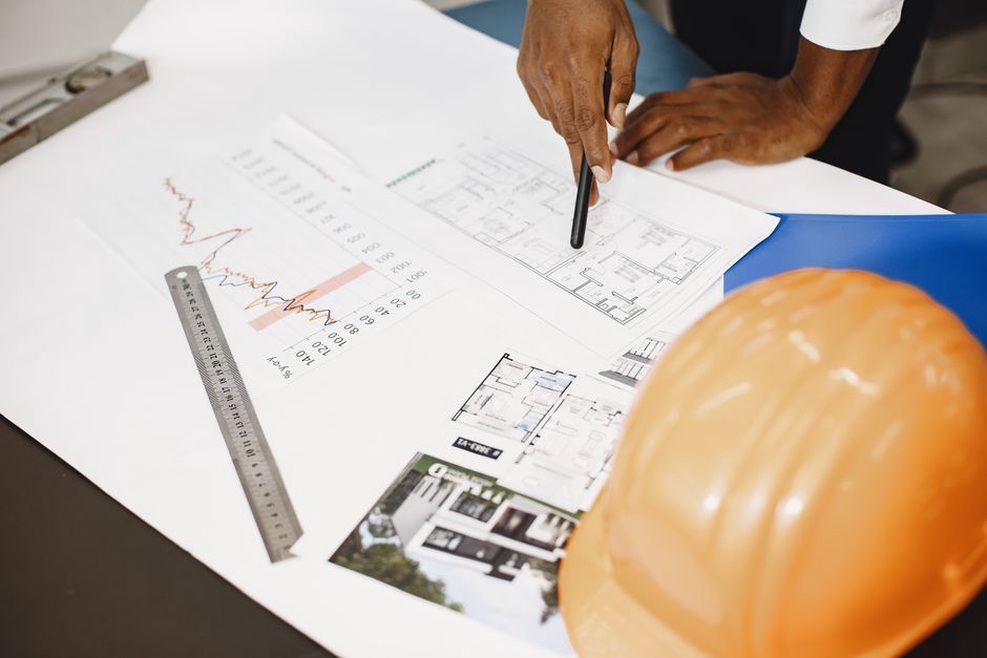
A diagram may show the relationship between a public entrance, reception and separate service access more clearly than prose. A rendering serves a different purpose: it can show an intended appearance, but cannot by itself establish daylight performance, buildability or final material selection.
Place each visual near the point it supports. Its caption should tell readers what to notice and, when relevant, whether it shows an existing condition, a concept or a completed project. Keep essential qualifications in the text as well. Small labels may be hard to read on a phone, and some readers will not be able to view the graphic.
When comparing floor plans, use the same scale and orientation where possible. Plans shown at different scales can make rooms appear more alike than they are. A note stating the scale and what changed may be more useful than an illustration with no labels.
Check the page as a reader will use it
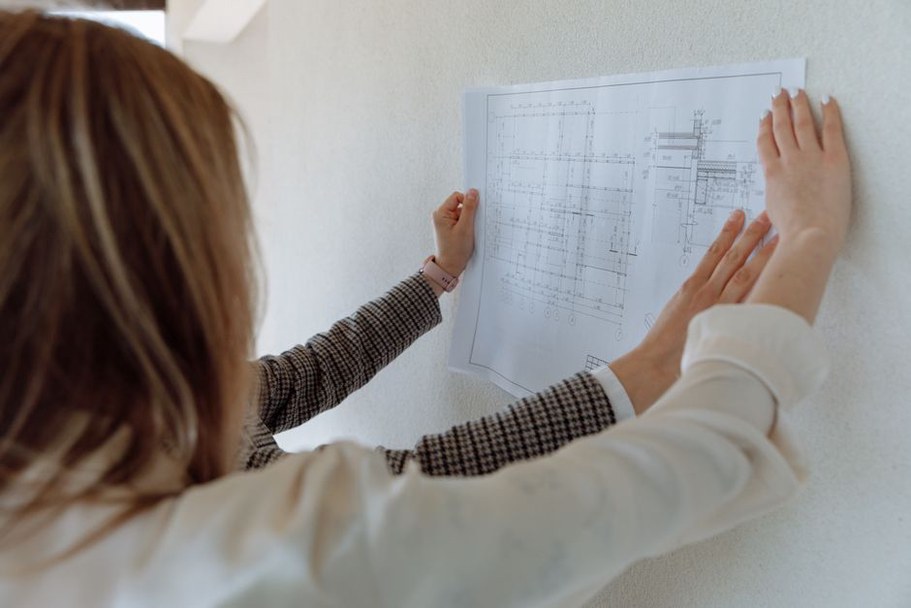
Even clear prose can be difficult to use when the page layout gets in the way. Preview the published post at a narrow screen width, not just in the editor. Check that headings remain distinct, tables do not demand awkward horizontal scrolling, captions stay with their visuals and text does not overlap images. On mobile, a long table may work better as a short set of labeled comparisons.
Keep formatting consistent. Use bold text for a warning or an important distinction, not a whole paragraph. Make headings visually distinct from body text, and do not rely on color alone to separate requirements from optional recommendations. Image alt text should describe the visual's useful content; if a diagram has essential labels, repeat that information in the surrounding prose.
Read the post without its images. Does the sequence still make sense? Then scan only the title, headings, lists and captions. They should show the route through the topic without promising information the body does not provide.
Use a final edit to remove avoidable work
A readability edit is more than a word cut. Look for places where readers must guess what a sentence refers to, remember an unexplained acronym or reconcile statements based on different assumptions. A spelling check will not catch those problems.
- Identify each paragraph's main point. Split or move paragraphs that contain two unrelated points.
- Check each heading against the text beneath it. Rename headings that promise more than the section answers.
- Mark technical terms, figures and time estimates. Add definitions, units or conditions where they could be misread.
- Ask whether each list or visual explains its point better than ordinary prose.
- Read the opening sentence of each section in order. Check that the argument follows a sensible path.
That last check matters in a post about construction timelines. One section may say design is complete before approvals are sought, while a later one describes changes requested during review. Correct the sequence rather than polishing the contradiction: “Review comments may require design revisions before construction documents are finalized.” It gives readers a reason to treat the schedule as indicative, not a fixed promise.