
A contractor asks for the boundary survey, but the only copy is buried in a folder marked “house.” The same problem arises with insurance policies, appliance warranties and repair records: keeping a document helps only if you can find the right version when you need it. A workable household filing system gives originals a safe place, keeps an index of what exists and gets updated as records change.
Sort documents by the decisions they support
Before buying folders, take stock of what you have. Check drawers, email attachments, shared drives and the papers handed over when you bought or rented the home. Group documents by purpose rather than arrival date:
- Identity and legal: birth and marriage certificates, passports, wills and powers of attorney.
- Property and tenancy: deeds, purchase documents, lease agreements, surveys, easements, building approvals and completion records.
- Insurance and finances: current policies, mortgage or loan documents, tax records and evidence supporting significant claims.
- Building and equipment: plans, permits, inspection reports, maintenance records, warranties and manuals.
- Household members: medical, education and pet records that need to be produced from time to time.
Within each category, separate current records from older ones. An expired insurance policy may still matter to an earlier claim, but it should not obscure the policy in force today. Keep a small “action” folder for papers awaiting a signature, payment or reply, then file each item once the task is done.
If you renovate or manage a property, keep one file per job. Put the contract, approved drawings, changes, invoices, inspection results and completion documents together. A paid invoice establishes what was billed; a completion certificate or inspection record tells you something different about what was approved or checked. You may need both when arranging maintenance or answering a buyer’s questions.
Decide what needs an original
Scanning makes records easier to access, but a digital copy does not always replace a paper original. Rules vary by document and jurisdiction. Before discarding anything signed, sealed or certified, check with the issuing authority or the professional handling the transaction. Keep original certificates, deeds or wills where applicable, along with anything a lender, insurer or public authority requires in physical form.
Choose a secure location for irreplaceable papers based on the risks in your home. A lockable, water-resistant container helps with spills and unauthorized browsing; fire-resistant products have different ratings and limits. A bank safe-deposit box offers off-site storage, though getting into it during an emergency may be difficult. If a will or power of attorney is kept away from home, the person who may need it should know where it is and how to get access. Emergency contact details should not exist only inside a locked box nobody else can open.
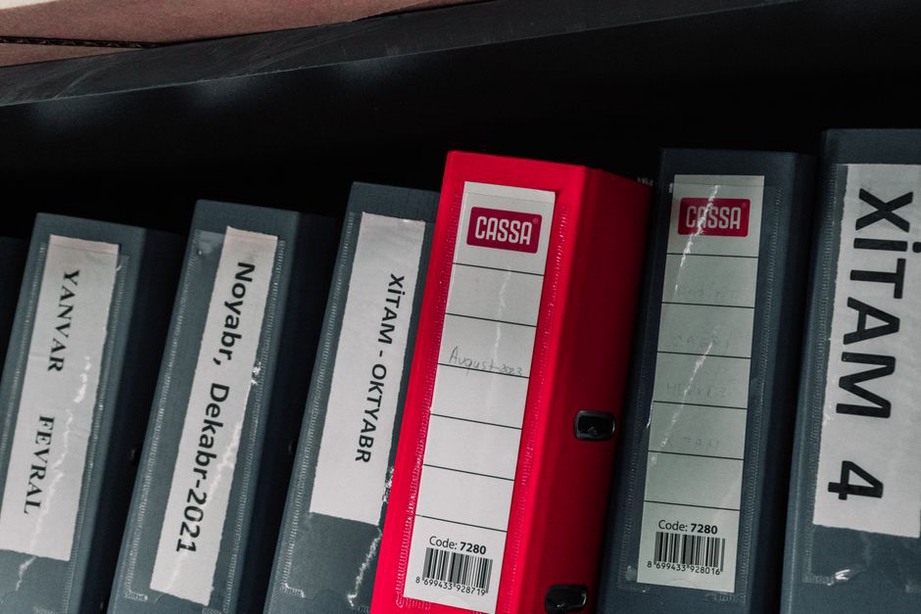
Routine papers can go in clearly labeled folders in a dry spot away from plumbing, damp floors and direct sunlight. “Property—permits and inspections” is more useful than “Important.” Avoid punching through stamps, seals or handwritten notes. Scan small receipts promptly if the printing may fade, and retain the originals when they support a warranty, tax matter or claim.
Build a digital filing system that is easy to search
Use the same main categories for digital files as you do for paper, adding a folder for each property or project where needed. A renovation folder, for instance, could hold “Contracts,” “Approved Plans,” “Permits,” “Invoices” and “Closeout.” Consistent filenames make individual records easier to find:
YYYY-MM-DD_Property_DocumentType_Description.pdf
“2025-04-18_OakStreet_Inspection_Electrical.pdf” tells you more than “scan0042.pdf.” Use either the date on the document or its issue date, and be consistent. If several versions exist, mark their status—“Draft,” “Submitted” or “Approved.” A drawing is not necessarily final because it was the last one emailed to you; permitting or construction may have superseded it.
Scan every page, including backs with conditions or signatures. Before filing the scan or discarding paper, check that the small print is legible, the pages are in order and the file opens. Searchable PDFs are handy, but text recognition can misread names, numbers and stamps. Check the image itself before relying on extracted text from a building approval or insurance declaration.
Protect sensitive files with a strong, unique account password and multifactor authentication where available. Give shared-folder access only to people who need it, and remove a contractor’s or adviser’s access when the job ends. Account controls and encryption protect confidentiality; a separate backup protects against deletion or device failure. Test that you can restore a sample file. A synchronized folder alone may not be a backup, since accidental deletions can sync across devices.
Use a document register, not just a pile of folders
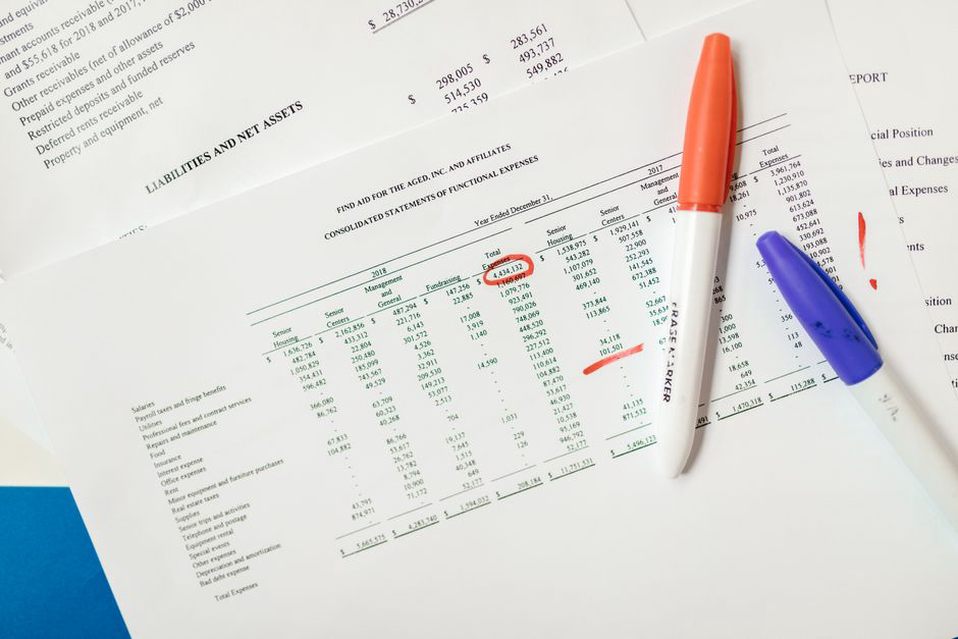
A simple spreadsheet or table can serve as an index. It does not need account numbers, medical details or other sensitive information—just enough to show what exists, where the current version is and what needs attention.
| Document | Current location | Original location | Review or expiry |
|---|---|---|---|
| Home insurance policy | Insurance/Current | Paper insurance folder | Review before renewal |
| Approved kitchen plans | Property/Kitchen/Approved Plans | Property archive | Review before alterations |
| Water heater warranty | Equipment/Water Heater | Equipment folder | Check end date and conditions |
Add the issuing organization, document date, property address or project name when those details distinguish similar records. A note such as “supersedes 2022 plan” can stop an outdated drawing from going to a future contractor. For plans, record both revision and approval status: the newest revision is not necessarily the one the relevant authority accepted.
Set reminders for insurance renewals, lease notice deadlines, permit expiries and equipment services required by warranty terms. Other records call for a review when something changes rather than on a fixed date. Update the register after a change in ownership, a completed renovation, a new policy or an appliance replacement. Check it once or twice a year for documents left in email or an unfiled downloads folder.
Make the system usable during an urgent event
During a burst pipe, someone needs the current insurance contact and the shutoff location—not the full archive of closing papers. Make a short household reference sheet listing emergency contacts, the insurer and policy reference, utility provider details, and the locations of shutoffs and essential documents. Keep a paper copy somewhere agreed and accessible, and make a digital copy available to those who may need it. Leave off passwords, full identity numbers and other details that could be misused.
Decide who can access the archive if the usual record-keeper is unavailable. Household members may need property and insurance records, while identity or medical files may require tighter limits. A trusted representative might need directions to the originals without unrestricted access to every digital account. Make sure these arrangements fit the household’s legal documents.
After property damage, keep evidence of the condition, work ordered and payments made. Where it is safe, photograph damage before repairs. Save dated contractor proposals and invoices, and note what you submitted to an insurer or authority. On larger rebuilding jobs, records should make clear the difference between existing conditions, proposed work and approved work; the architect’s role in disaster recovery and rebuilding explains how documented decisions support that process.
Set retention rules before clearing old files
Not everything needs a permanent home. Discard duplicate drafts and outdated appliance manuals once you have identified the authoritative version and no longer need the older copies. Keep records tied to ownership, major construction, warranties, insurance claims and unresolved disputes while they may still have legal, financial or practical value. Tax and employment retention periods depend on where you live and your circumstances, so check the applicable guidance rather than using a universal number of years.
Shred papers containing personal or financial information before disposal. For digital files, check backups and shared locations too. Do not delete a document solely because a newer one exists: an earlier policy could apply to a claim from its coverage period, and an older plan could help explain a concealed building condition.
When a new record arrives, name and file it before it disappears into downloads. A roof inspection report, for example, could be saved as “2026-03-12_Home_RoofInspection_Report.pdf.” Put any paper original in the property folder, then enter the report’s date and location in the register.