
A desk chair that blocks the closet is annoying on a workday. When a guest arrives with a suitcase, it can make the room hard to use. Check the layout in both modes: with the bed made up and with someone seated at the desk. Doors, drawers and windows should still open, and no one should have to move furniture to reach the exit.
Plan the layout around the less flexible use
A guest bed usually has fewer workable positions than a desk. Mark out its footprint first, including room to get in and out, then find a desk position that does not put the work area between the guest and the bed. In a compact room, measure the furniture and draw a scaled plan before buying anything. A pull-out sofa or wall bed may free up floor space during the week, but measure it fully extended. Check that the open bed and a chair pushed back from the desk can fit at the same time.
Clear circulation matters more than symmetry. Where the room allows, aim for roughly 30 inches (76 cm) along the main route; an existing room may call for a tighter arrangement. Keep the doorway and the path to it clear in either setup. If a wall bed or built-in desk must be fixed to a wall, check the wall construction and follow the manufacturer’s anchoring requirements. Do not rely on plasterboard alone.
Make the work position usable every day
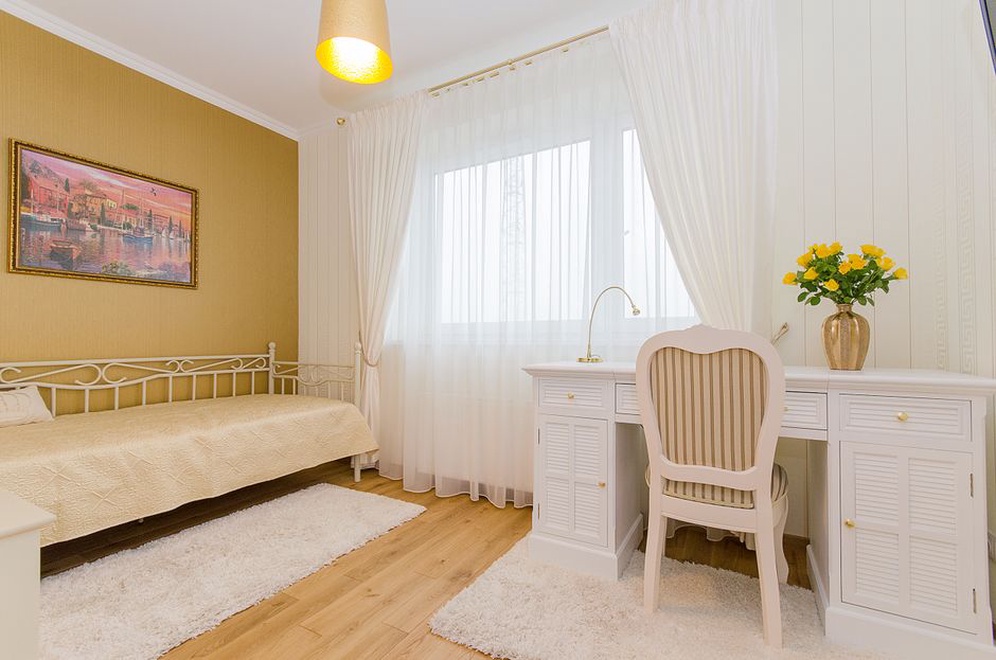
A dining chair at a narrow console is fine for the occasional email. For regular work, allow enough desk depth to position the screen comfortably and choose a chair that supports the person using it. Try the setup with the actual laptop, monitor and peripherals. Feet should be supported, shoulders relaxed and wrists in a neutral position. If the desk height is fixed, a footrest or a different chair may help; a separate keyboard and mouse also give more flexibility with a laptop.
Put the desk where daylight reaches it from the side, if possible. A window behind the screen can cause glare, while one behind the person can make video calls difficult to expose. Adjustable blinds and a task lamp make the workspace less dependent on the time of day. The Britannica overview of ergonomics explains why equipment should fit the user and the task, rather than being chosen on appearance alone.
Check power before settling on a layout. The computer, lamp and chargers need outlets that do not leave cables across the walkway. Use properly rated equipment, avoid overloading adapters, and have any new outlet or wiring installed to local electrical requirements. Test the internet connection at the proposed desk position too, especially if the room is far from the router.
Give guests space that is not office storage
Guests need somewhere to put a bag, hang a few items and leave small belongings without shifting files or equipment. Set aside part of the closet or a few drawers. A luggage rack or sturdy bench keeps a suitcase off the bed and can move out of the work zone after the visit. Leave a reachable bedside surface for a phone, water and glasses, along with a light that can be switched off from bed.
Give work and guest storage clear boundaries. Closed cabinets or labeled boxes can hold papers, cables and spare supplies, leaving the guest-facing surfaces mostly empty. Lock away confidential documents and devices before anyone stays. If a computer remains in the room, shut it down or lock it, and make sure its camera cannot inadvertently face the bed.
Control light, sound and temperature in both modes
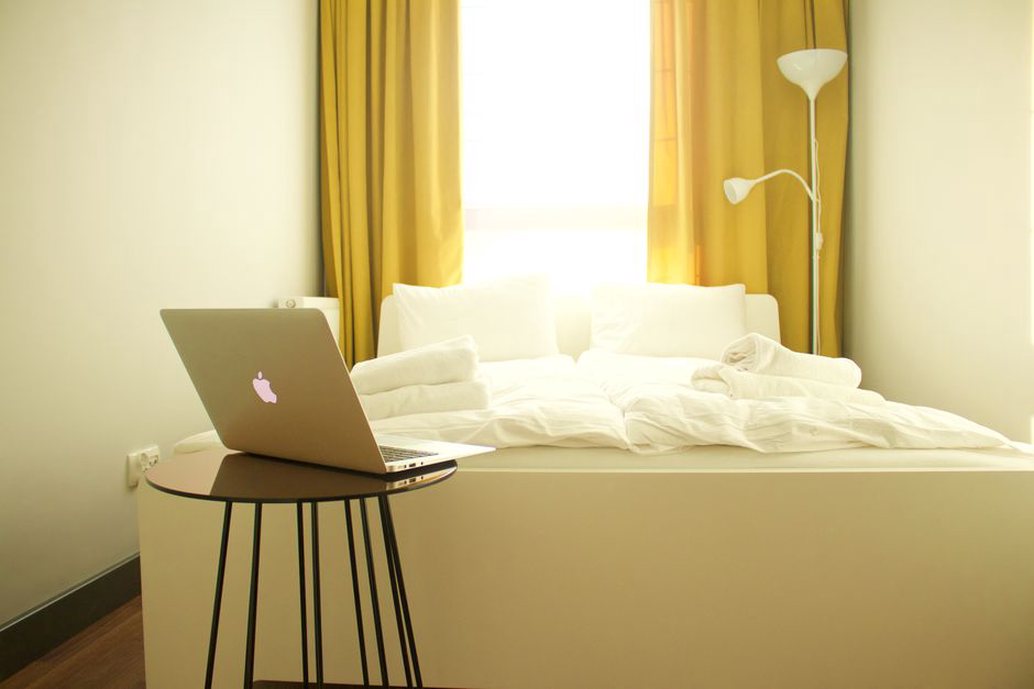
The window has to work for both daytime calls and overnight stays. Pair a light-filtering treatment for glare with a shade or curtain that provides enough darkness and privacy at night. Check the coverage from the bed, not just the desk: a gap beside a blind may put light directly on the pillow. Keep an opening window accessible from either layout.
Rugs and curtains can reduce echo on calls, but they will not soundproof the room. A solid door, weatherstripping where appropriate and a position away from household noise may help with privacy. Test the temperature with the door closed and the computer running; a small room can warm up faster than expected. Keep heating and cooling outlets clear of furniture and bedding, and leave an extra blanket rather than assuming every guest wants the same setting.
Set a changeover routine that fits the room
Before a guest arrives
- Clear the desktop and put work materials in their designated storage.
- Open a fold-out bed fully and check that doors and drawers still operate.
- Make the bed, set out clean towels and test the bedside light.
- Leave an outlet free for charging and remove loose cables from walking routes.
- Check that the guest can control privacy, ventilation and room lighting.
Before work resumes
Air the room, store bedding only once it is dry, and return the chair and equipment to their usual positions. If furniture has to move each time, use felt pads or suitable glides to protect the floor. Then consider whether a smaller desk or a different bed would make the changeover easier. A room used often for both purposes should not require lifting a heavy mattress or dismantling a monitor every time.
Before the first overnight stay, run through the guest setup: pull out the bed, put a suitcase where someone would naturally leave it, close the door and walk to the light switch in the dark. It is a simple way to catch a blocked drawer, a stray cable or a missing bedside surface while there is still time to fix it.